






MASS PORTAL ALERT

Mass Notification System for Emergency Alerts and Critical Communication

Send organization-wide emergency alerts through SMS, email, and automated voice calls from one centralized dashboard. The Silent Beacon Mass Alert Portal helps businesses, schools, healthcare organizations, and public sector teams communicate during critical events.

It’s part of Silent Beacon for Business, which also equips every employee with a wearable panic button and safety app for individual emergencies.

Mass alert compose dashboard showing recipient selection for staff groups and individual contacts before sending an emergency notification.
Trusted by 140,000+ Users Across Organizations Nationwide

THE BASICS

What Is a Mass Notification System?

A mass notification system helps organizations quickly distribute emergency alerts and critical communications to employees, staff, and response teams through SMS text messages, email, and automated voice calls. The Silent Beacon Mass Alert Portal allows administrators to send organization-wide notifications from one centralized dashboard during critical events and operational emergencies.

Mass alert platform dashboard showing emergency notifications sent to mobile staff, office staff, employees, and physical locations by email, text, and voice call.

THE CHALLENGES

When Emergency Communication Breaks Down

Gaps in your communication process can slow response times, create confusion, and put people and operations at risk.

Emergency Alerts Take Too Long to Send

Manual notification workflows slow down communication when every second matters. Reaching employees one channel at a time creates unnecessary delays during critical situations.

Communication Is Spread Across Too Many Tools

When text messages, emails, phone calls, and other alerts are managed separately, it becomes harder to reach the right people quickly and keep communication consistent across the organization.

There’s No Clear Record of What Was Sent

Without centralized notification history and audit records, administrators have limited visibility into what alerts were sent, when they were sent, and how emergency communication was managed.

HOW IT WORKS

How the Mass Alert Portal Closes Those Gaps

One message reaches every group on SMS, email, and voice at the same time – sent from a single screen instead of four, and logged automatically as it goes.

Build Your Recipient Groups

Import users and organize them by department, location, shift, or response role.

Choose Channels and Message

Select SMS, email, or voice - or all three - and start from a saved template.

Send Alerts Instantly

Distribute emergency notifications across every selected communication channel with a single click.

Track Notification Activity

Monitor notification history, timestamps, and audit logs from one centralized dashboard.

See how the portal would fit your organization.

Send Emergency Alerts Across Every Channel

On shift, off site, or between buildings – recipients get the message on the channels they already check.

SMS Alerts

Send urgent text alerts directly to employee mobile devices during emergencies and operational disruptions.

Email Notifications

Distribute detailed emergency communication and organization-wide updates through email alerts.

Automated Voice Calls

Send pre-recorded emergency voice messages directly to employee phones during high-priority incidents.

Nurse in a hospital hallway checking a phone with an emergency drill text notification that says no action is required.

Send Emergency Alerts Across Every Channel

On shift, off site, or between buildings – recipients get the message on the channels they already check.

SMS Alerts

Send urgent text alerts directly to employee mobile devices during emergencies and operational disruptions.

Email Notifications

Distribute detailed emergency communication and organization-wide updates through email alerts.

Automated Voice Calls

Send pre-recorded emergency voice messages directly to employee phones during high-priority incidents.

Nurse in a hospital hallway checking a phone with an emergency drill text notification that says no action is required.

TARGETING & TEMPLATES

Organize and Send Emergency Notifications Faster

Target Specific Teams, Departments, and Locations

Create custom recipient groups ahead of time based on departments, campuses, buildings, shifts, response teams, or operational roles. Send alerts only to impacted personnel to reduce confusion and improve coordination during emergencies.

  • Department-Based Alerts

    Send alerts to specific departments or functional teams.

  • Location Targeting

    Target alerts by campus, building, floor, or specific site.

  • Temporary Emergency Groups

    Quickly create ad hoc groups for unique or evolving situations.

  • Multi-site Communication

    Coordinate alerts across multiple locations with ease.

  • Organization-wide Alerts

    Reach all personnel across the organization when needed.

Pre-Built Emergency Notification Templates

Create reusable templates for severe weather alerts, evacuations, lockdowns, IT outages, active threats, all-clear notifications, and other messaging to speed up emergency communication workflows.

Select Template

EXAMPLE GROUPS

Security Team

Field Staff

North Campus

Parents and Guardians

Night Shift

All Employees

AUDIT TRAIL

A Complete Record of Every Alert

Every alert the portal sends is logged automatically – who sent it, when, how, what it said, and exactly who received it.

Date and Time Sent

Every alert is stamped with the exact date and time it went out.

Channels Used

See whether the alert was sent by text, email, voice call, or a combination.

Message Content

The full text of every SMS and email is stored with the record.

Voice Call Recordings

Voice alerts are saved as audio recordings you can play back later.

Groups and Recipients

See which groups the alert was sent to and how many people that covered.

Sent By

Every alert is attributed to the user who sent it.

ONE PLATFORM

Part of Silent Beacon for Business

The Mass Alert Portal is included as a part of Silent Beacon for Business – the tools organizations need to monitor potential threats, communicate during an emergency, and coordinate what happens next, sized for small teams through large, multi-site organizations.

SILENT BEACON FOR BUSINESS ALSO INCLUDES

Silent Beacon 2.0 Personal Panic Button with Wristband
Panic Buttons
Consumer App Main Menu

Mobile Safety App

Silent Beacon Mass Alert Portal, part of the emergency notification system and panic button for business program.
Control Center

Frequently Asked Questions

Do employees need to download an app to receive mass notifications?

No. Mass notifications can be sent directly through SMS text messages, email, and automated voice calls using the contact information configured for your organization. The Silent Beacon safety app is an additional part of the platform for individual employee safety and emergency alerting.

Can Silent Beacon be used for more than emergencies?

Yes. In addition to emergency situations, organizations can use the Mass Alert Portal for urgent operational updates, facility disruptions, closures, IT outages, severe weather, and other time-sensitive communications.

Can mass notifications and employee panic alerts be managed together?

Yes. The Mass Alert Portal is part of the Silent Beacon for Business platform. Organizations can manage mass communication alongside wearable panic buttons, the Silent Beacon safety app, users, devices, groups, and alert settings through the broader Silent Beacon platform.

Does Silent Beacon work for organizations with multiple locations?

Yes. Organizations can create recipient groups around campuses, buildings, departments, shifts, teams, and other operational needs, allowing administrators to communicate with a specific location or multiple groups as needed.

How much does the Silent Beacon Mass Alert Portal cost?

Pricing depends on your organization’s size, safety requirements, and the Silent Beacon products and services included in your deployment. Contact our team for a quote based on your organization’s needs.

How do we get started with Silent Beacon?

Our team can help determine the right setup based on your number of employees, locations, communication needs, and individual safety requirements. Schedule a demo or request a quote to discuss the best configuration for your organization.

Enhance the Safety of Your Workforce

Whether your people work at one site or a hundred, get a quote tailored to your organization’s size, locations, and safety requirements.

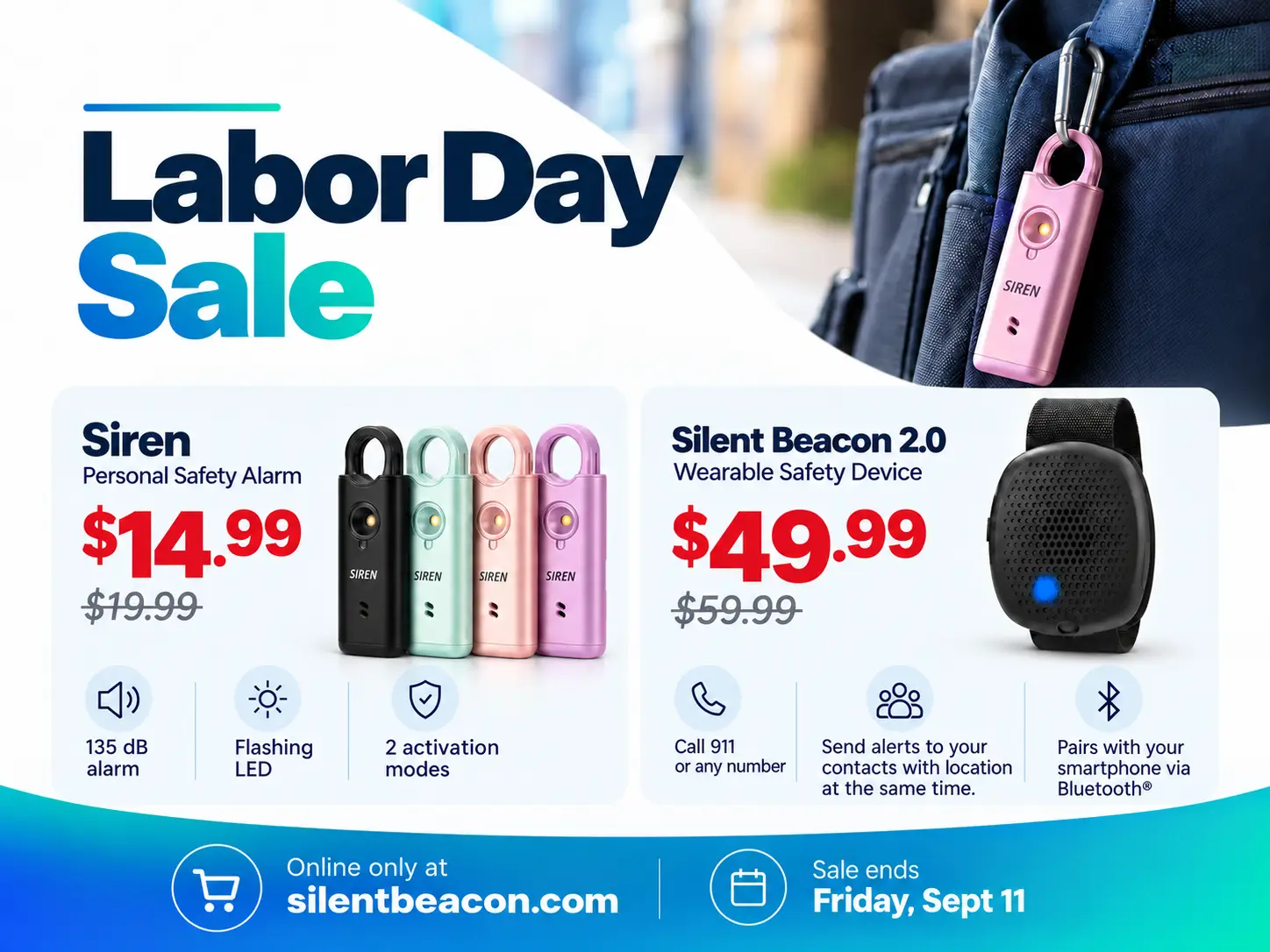
25% OFF THE SIREN PERSONAL SAFETY ALARM.

Save 25% on the Silent Beacon Siren during our Back-to-School Sale with coupon code “BACKTOSCHOOL25”. Don’t miss out!